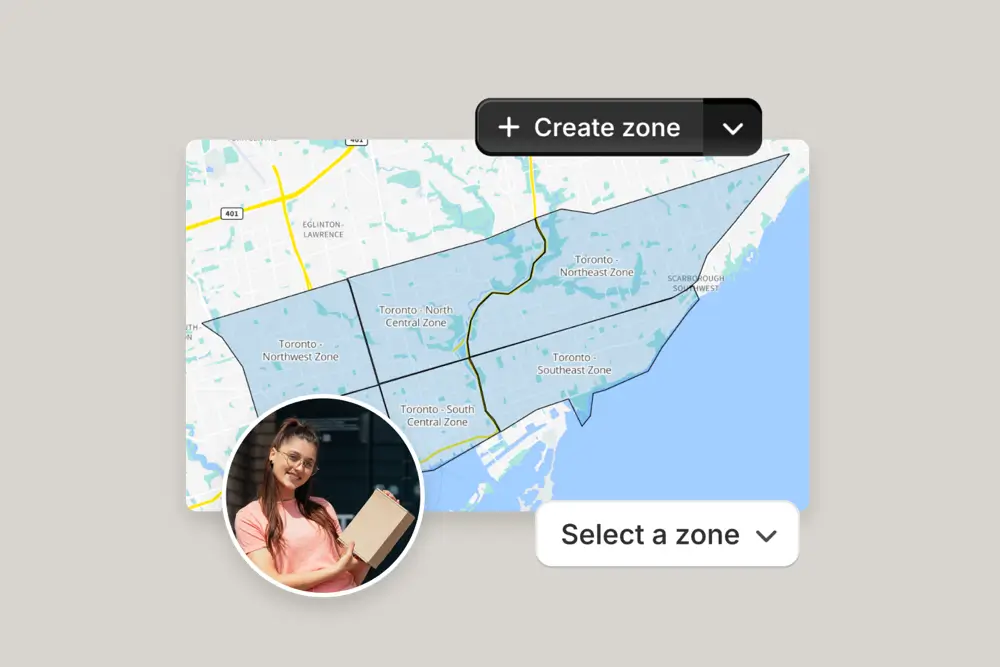
Keep engines running smoothly. Optimize auto parts deliveries and ensure every part reaches its destination on time.
EasyRoutes is a route planning platform designed for auto parts deliveries. It helps you create efficient routes, dispatch to drivers, and keep customers updated with real-time tracking. By optimizing routes, you save time, cut fuel costs, and ensure urgent parts arrive on time. With features like proof of delivery and customer notifications, EasyRoutes makes last-mile deliveries for auto parts faster and more reliable.


Looking to streamline your auto parts delivery process? Efficient route planning and real-time tracking ensure that essential car parts, from brakes to engines, reach repair shops and customers on time. With optimized routes and live updates, you can minimize delays, cut delivery costs, and keep vehicles on the road. Boost customer satisfaction and drive your business forward with reliable and efficient auto parts delivery services.
Whether you’re delivering to mechanics, dealerships, or individual car enthusiasts, staying organized and timely is crucial. Offering proof of delivery, flexible route adjustments, and bulk order handling makes your auto parts delivery service more dependable. Build trust and keep your clients coming back with logistics that prioritize speed, accuracy, and reliability.
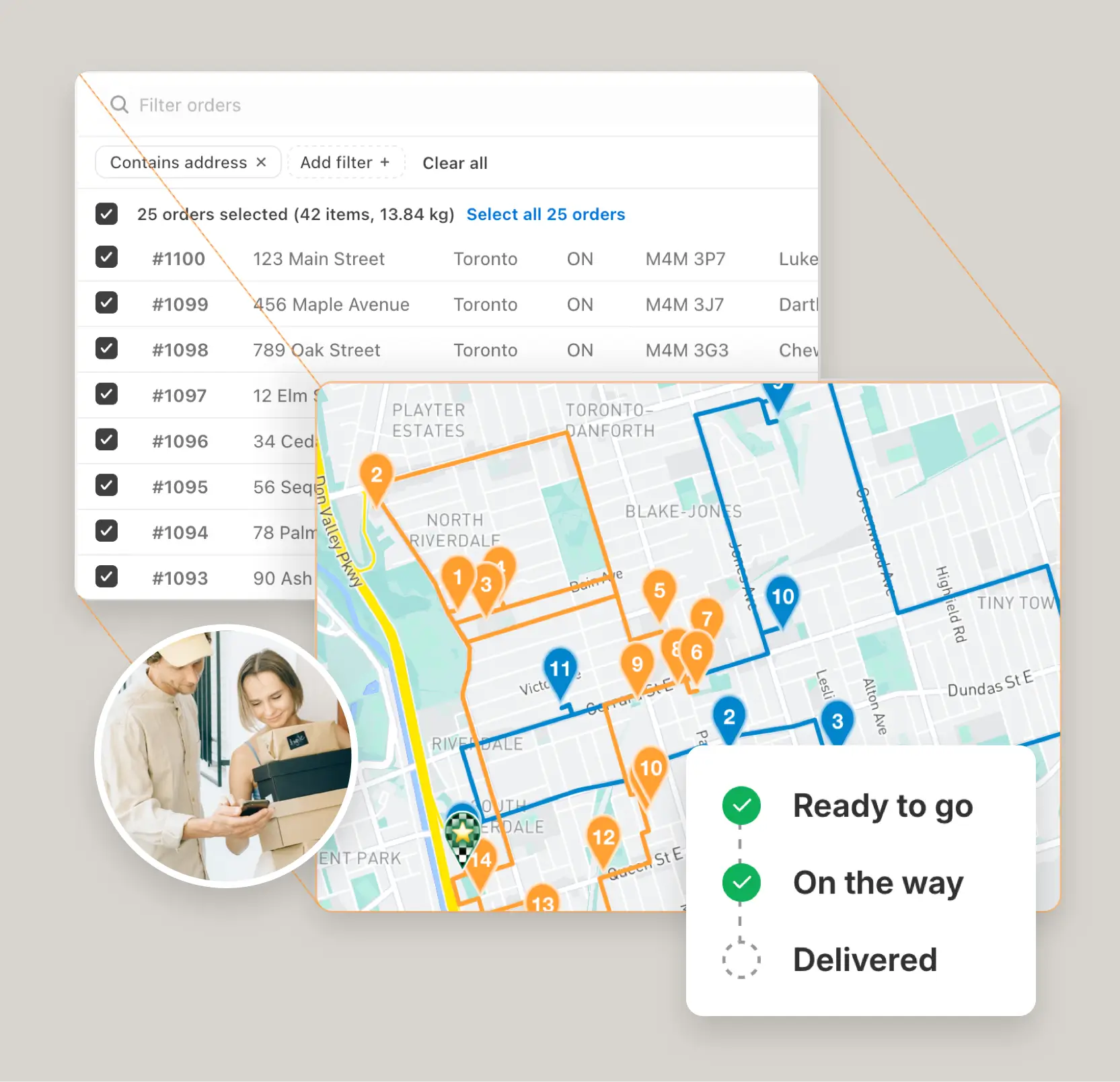
Instantly generate the most efficient routes directly from your orders. Save hours on manual planning and cut delivery costs with powerful, scalable routing built for businesses of every size.
"The best routing app for Shopify merchants."
- Shopify

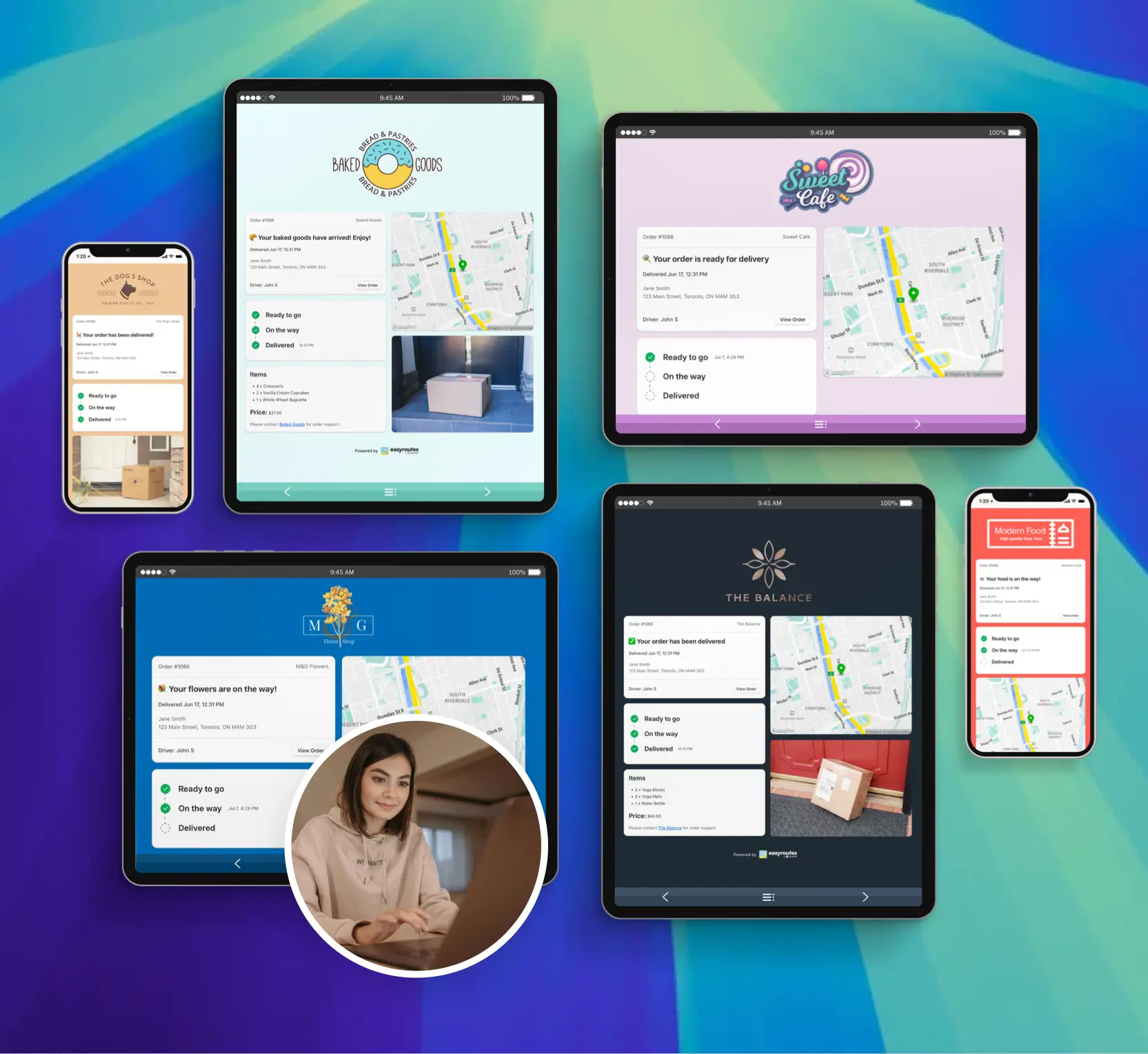
Reduce “Where’s my order?” calls with automated SMS and email notifications. EasyRoutes includes branded tracking pages that match your business — giving customers the visibility they expect.
"Customers are loving the tracking feature...No more 'When's my order coming?' phone calls."
- MB Grocery

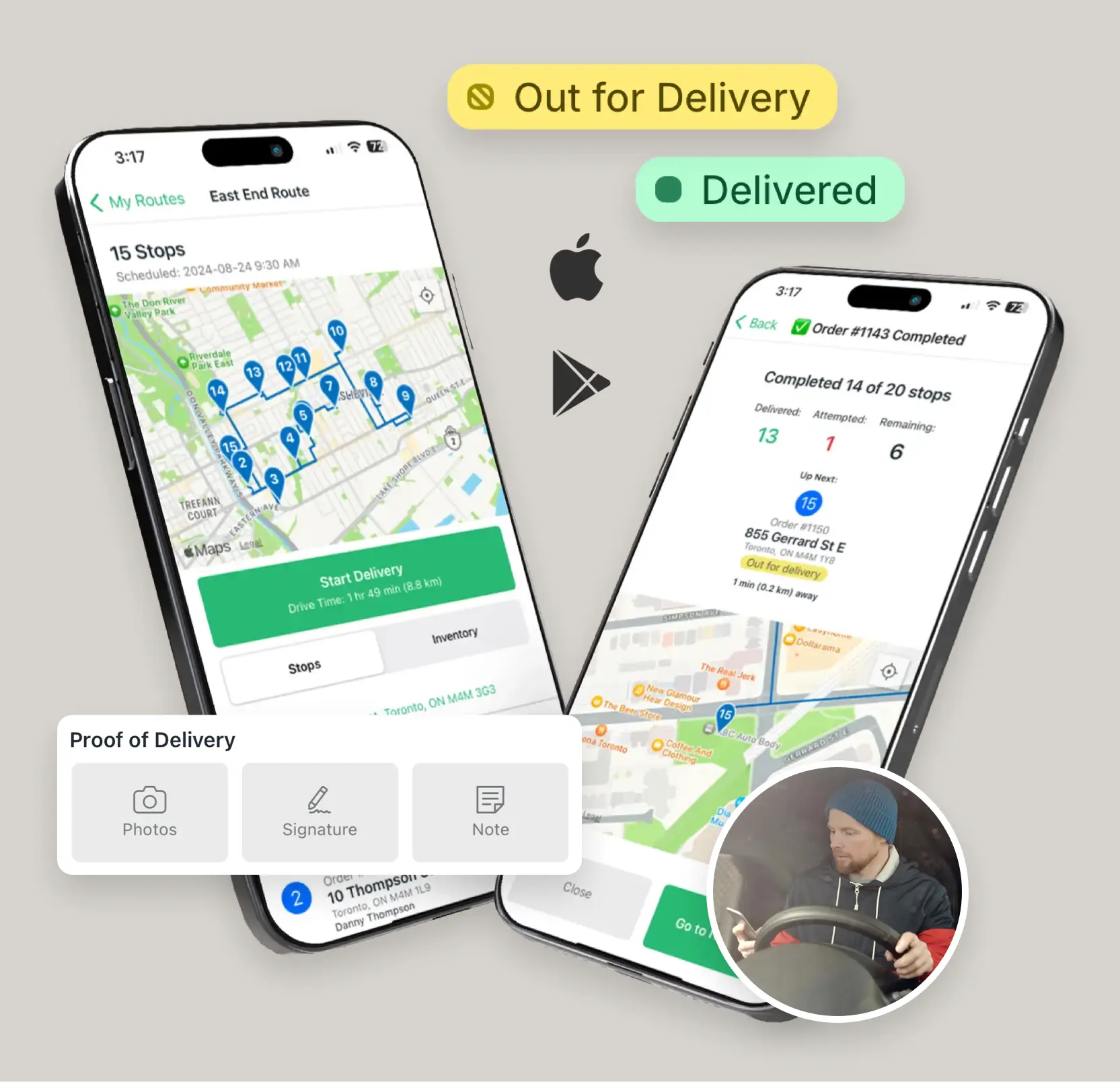
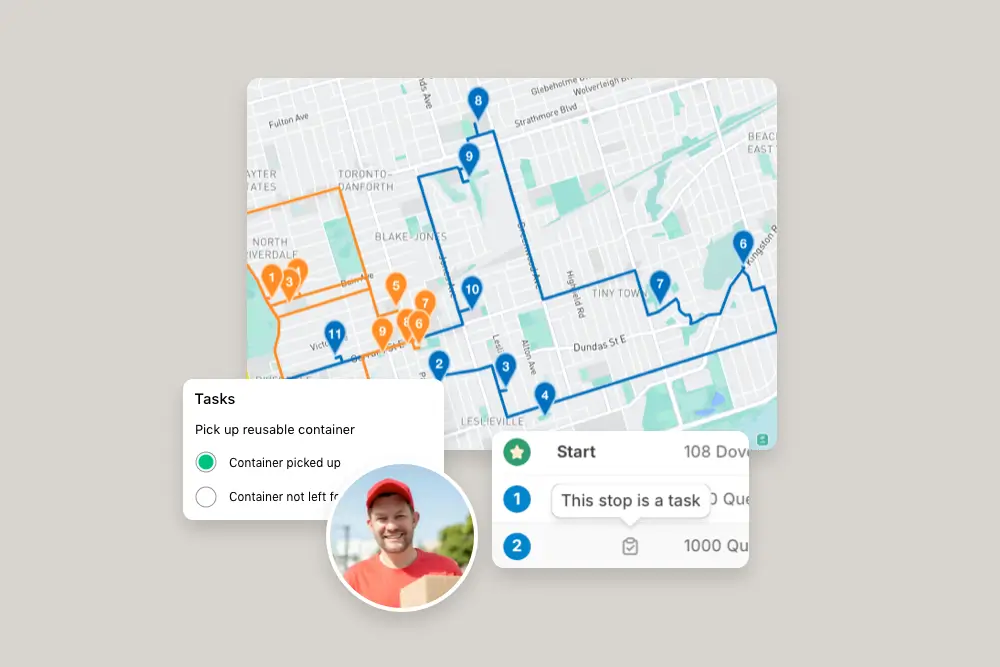
From optimized stop lists to proof of delivery, the EasyRoutes driver app gives your team all the tools they need — on iOS and Android. Turn-by-turn navigation, delivery notes, and customer info all in one place.
"I wouldn’t use any other app for my drivers!"
- Solstice Savory Pies

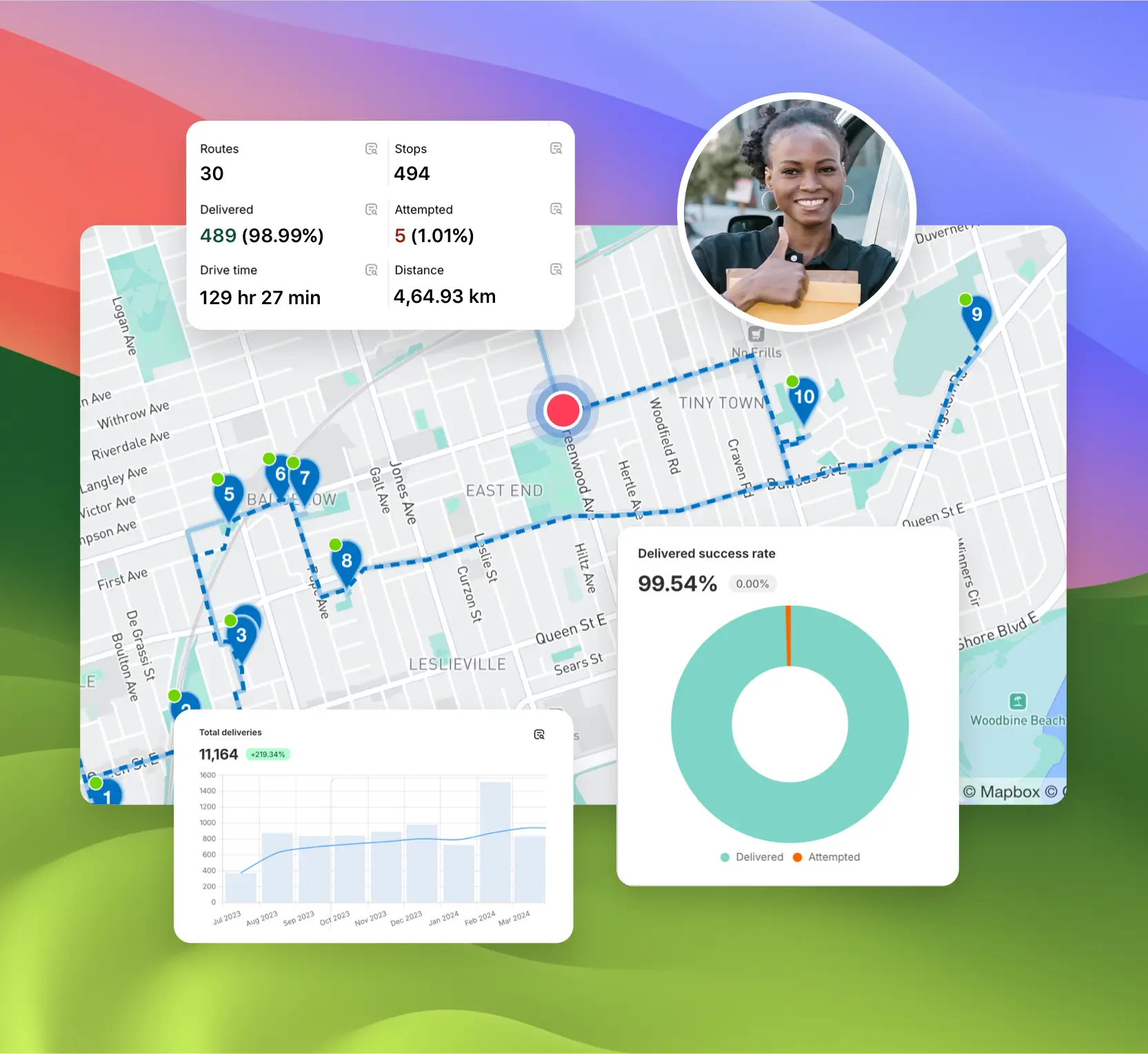
Monitor delivery progress in real time, review performance across your team, and uncover trends with powerful reporting. EasyRoutes helps you make data-driven decisions that scale with your operations.
"It's one of the most useful apps for my business that I have ever installed."
- Bloomen


EasyRoutes is a delivery management and route optimization platform for merchants, local delivery teams, and logistics operators. It helps you plan routes, dispatch to drivers, track progress in real time, and notify customers. Works with Shopify and integrates with other e-commerce platforms via EasyRoutes for Web.
EasyRoutes optimizes deliveries using your selected orders, start & end locations, stop time intervals, time windows, and route limits. You can balance routes, respect capacities, and re‑optimize as plans change.
See: Route Options · EasyRoutes 101
Yes. Turn on settings to avoid toll roads and u‑turns from the Route Options panel. Enable these options before planning a route, or edit the route after creation and re‑optimize to see them reflected in your route.
See: Route Options
Click the + Add button under the map, choose Custom stop, and enter the stop details with a valid address. See: Add a custom stop
Yes. Create routes in minutes, add last‑minute stops, and re‑optimize during the day. Dispatch instantly to drivers with live tracking and customer notifications.
See: Re‑optimize · Dispatch
Yes. Assign routes to drivers directly, or share a self‑assign link so eligible drivers can claim routes. Drivers complete deliveries in the EasyRoutes Delivery Driver mobile app.
Yes. On Premium/Enterprise plans you can display a live driver pin on tracking pages when the driver is 1–10 stops away.
EasyRoutes supports delivery photos, e‑signature, driver notes, and automatic timestamps (with GPS location when available) to provide a complete delivery record.
See: Proof of Delivery
Yes. The Routes page shows unstarted, in‑progress, completed, and archived routes. Filter by status or date to find older runs.
Your 14-day free trial starts when you choose a paid plan for the first time. If you cancel anytime during your trial you won't be billed. If you continue, your subscription starts when your trial period ends.
Mark the stop Attempted with a reason, then use Send to another route to move it onto a new or upcoming route for redelivery.
There's no hard named-recipient lock, but a required Driver Task to log who received it, plus a required signature, enforces and documents it.